Turn your idea into a custom tattoo design.
Describe what you want, choose a style, and the AI draws original tattoo designs in minutes — then exports a clean stencil you can take straight to your artist. No account, no drawing skills.
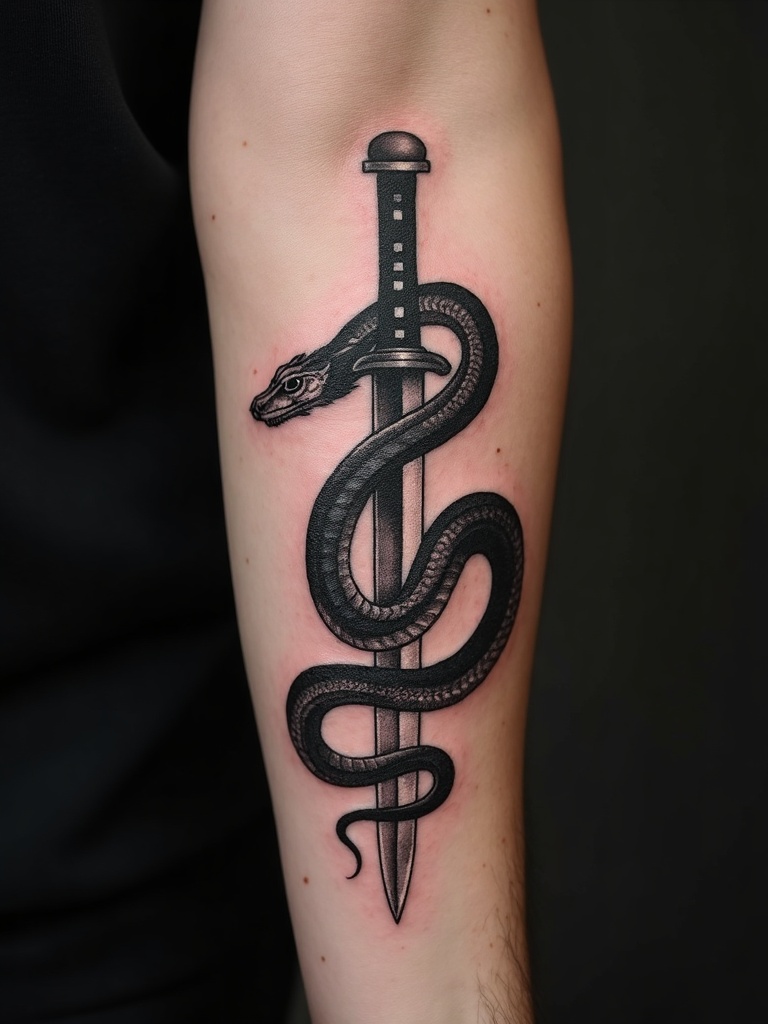
See it on skin, in your style
Every design comes back two ways: the flat artwork and a photorealistic preview of how it looks freshly inked. Below are real generations across styles — no stock photos, no clipart.
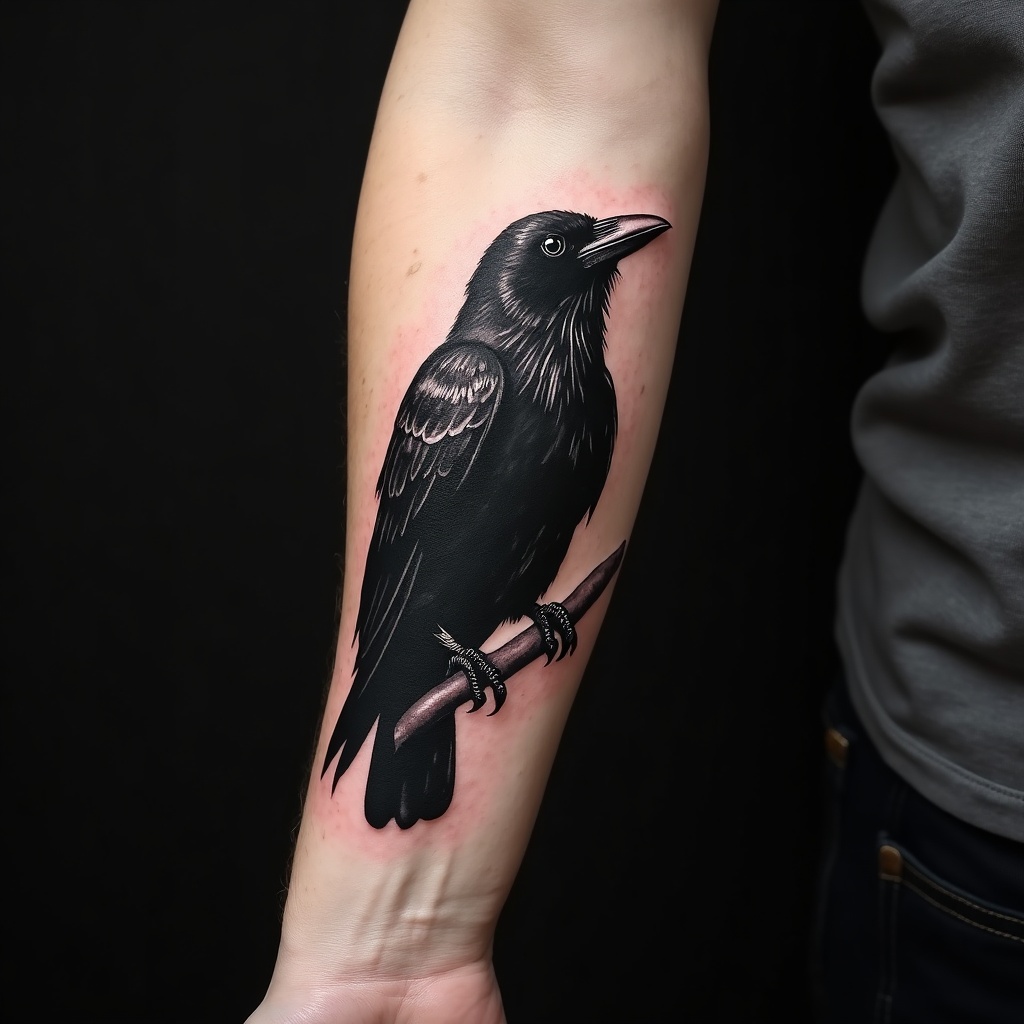 Blackwork
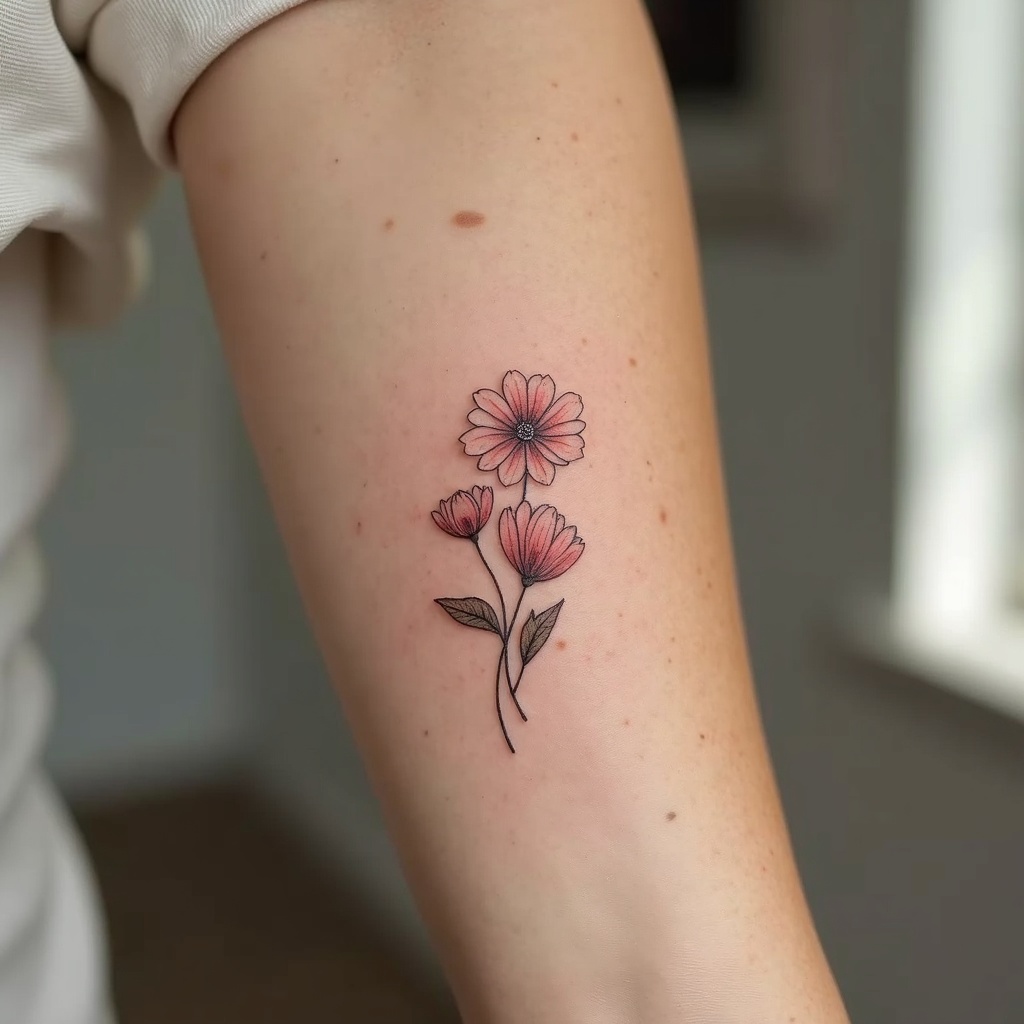 Fine line
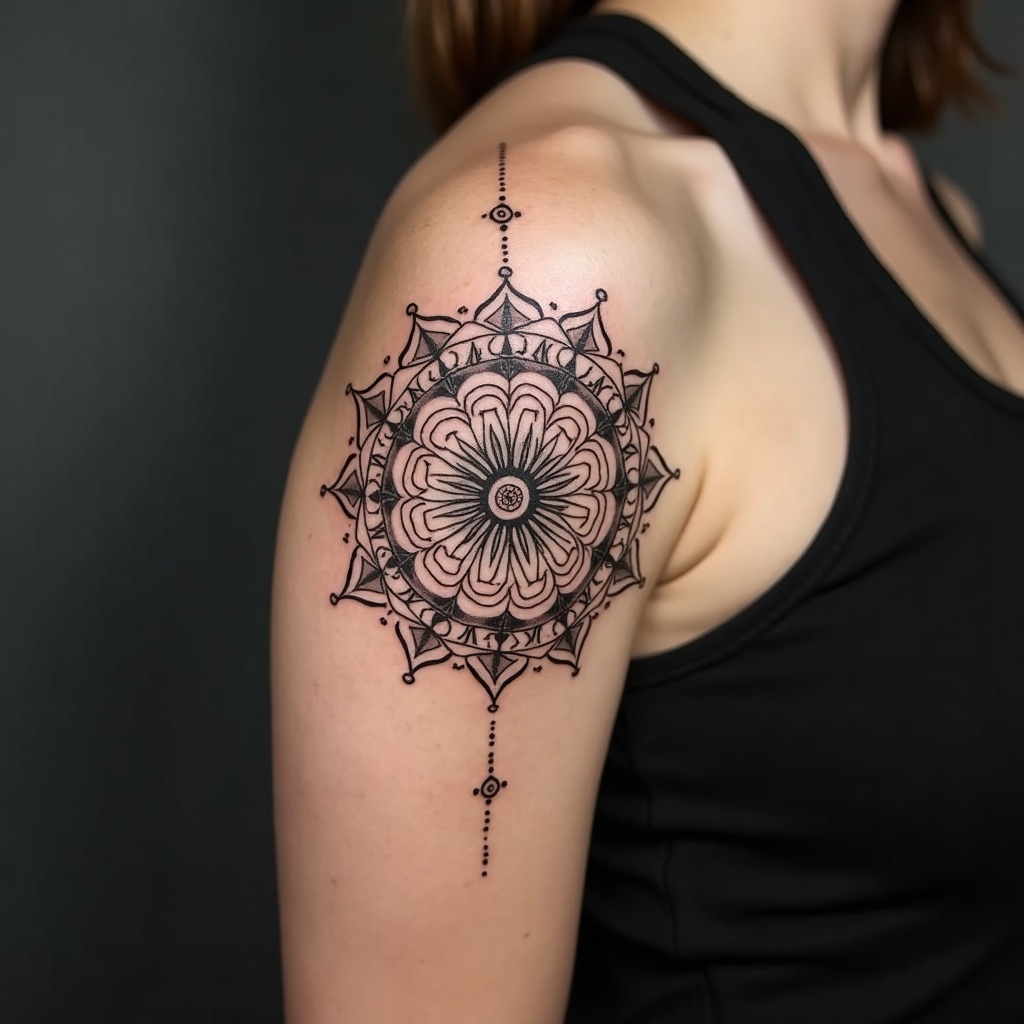 Geometric
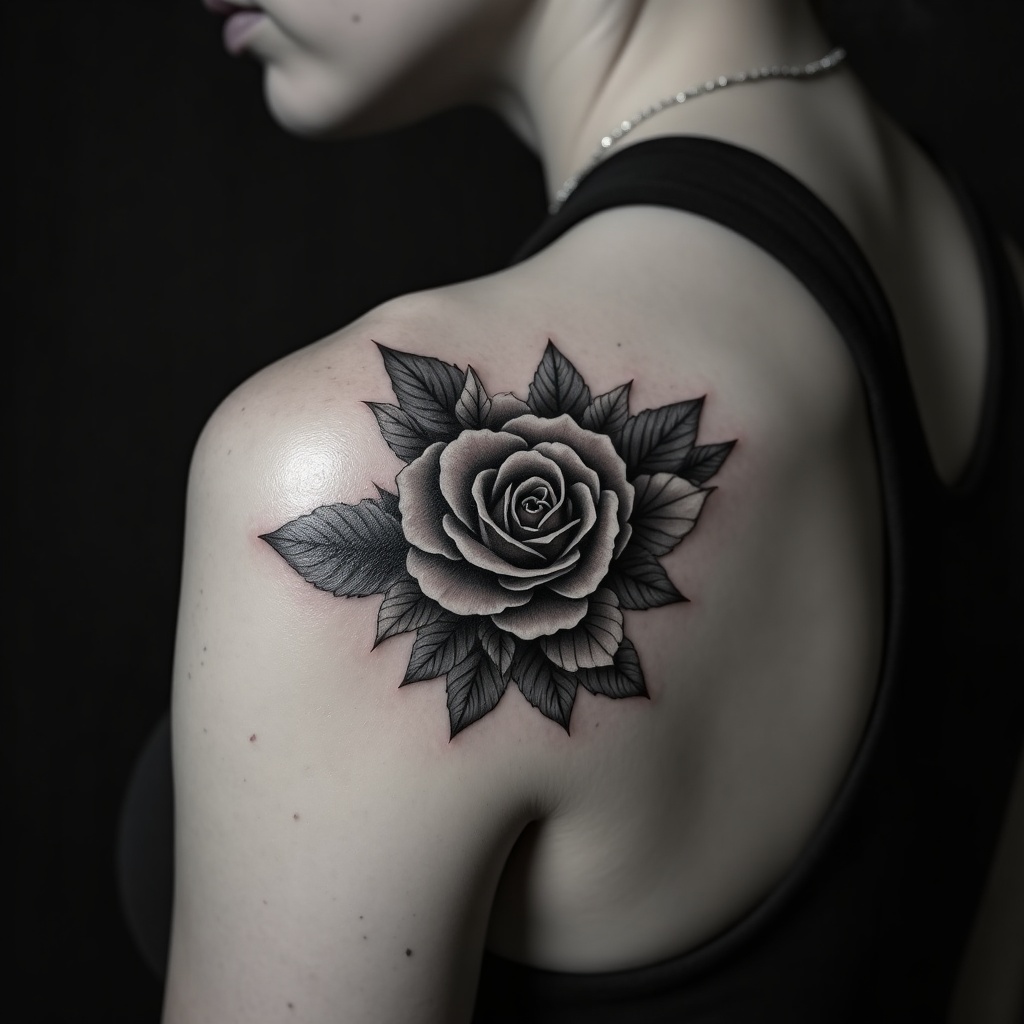 Black & grey realism
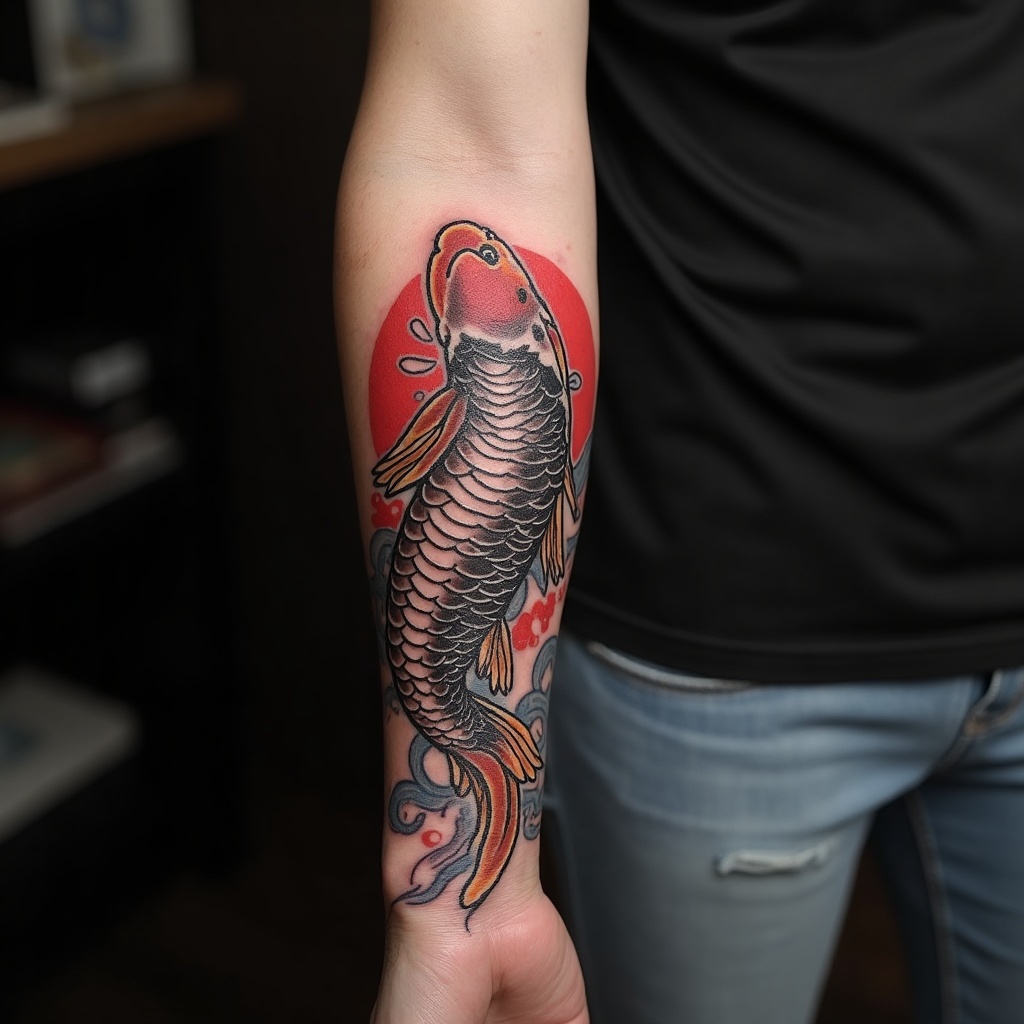 Japanese / Irezumi
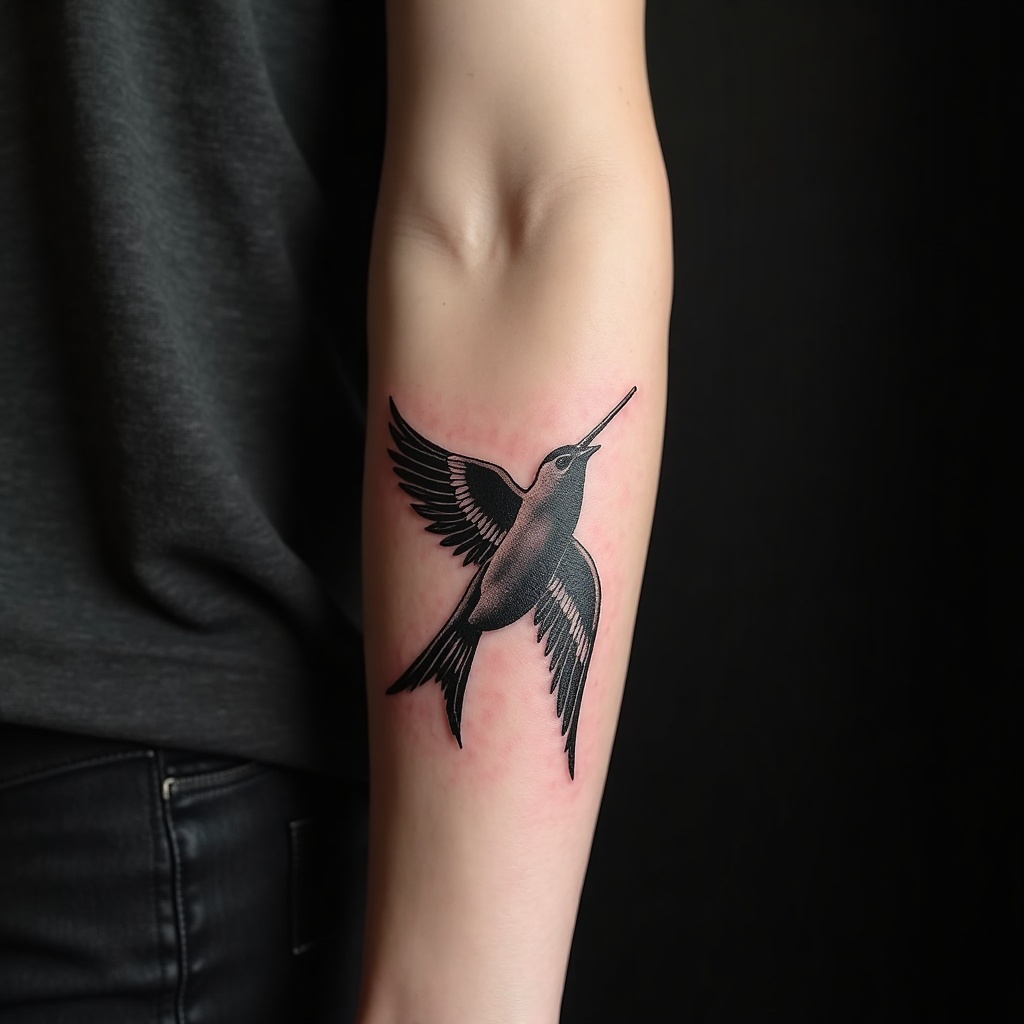 American traditional
How it works
Describe your idea
Type what you want in plain words — a subject, a mood, a few details. No sketching required.
Pick a style
Choose from twelve tattoo styles and toggle stencil mode. Pay once with PayPal — no account.
Download designs
The AI draws several variations. Preview them and download the full pack in one click.
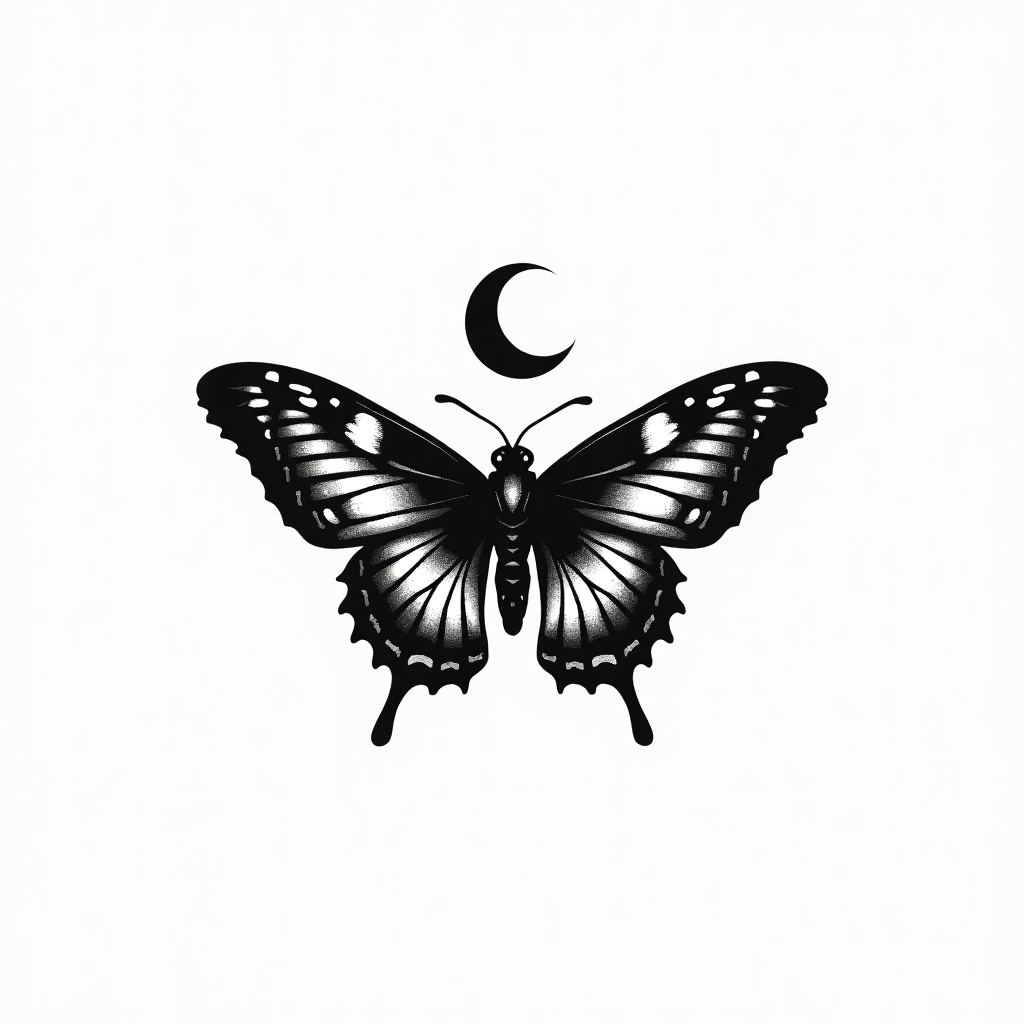
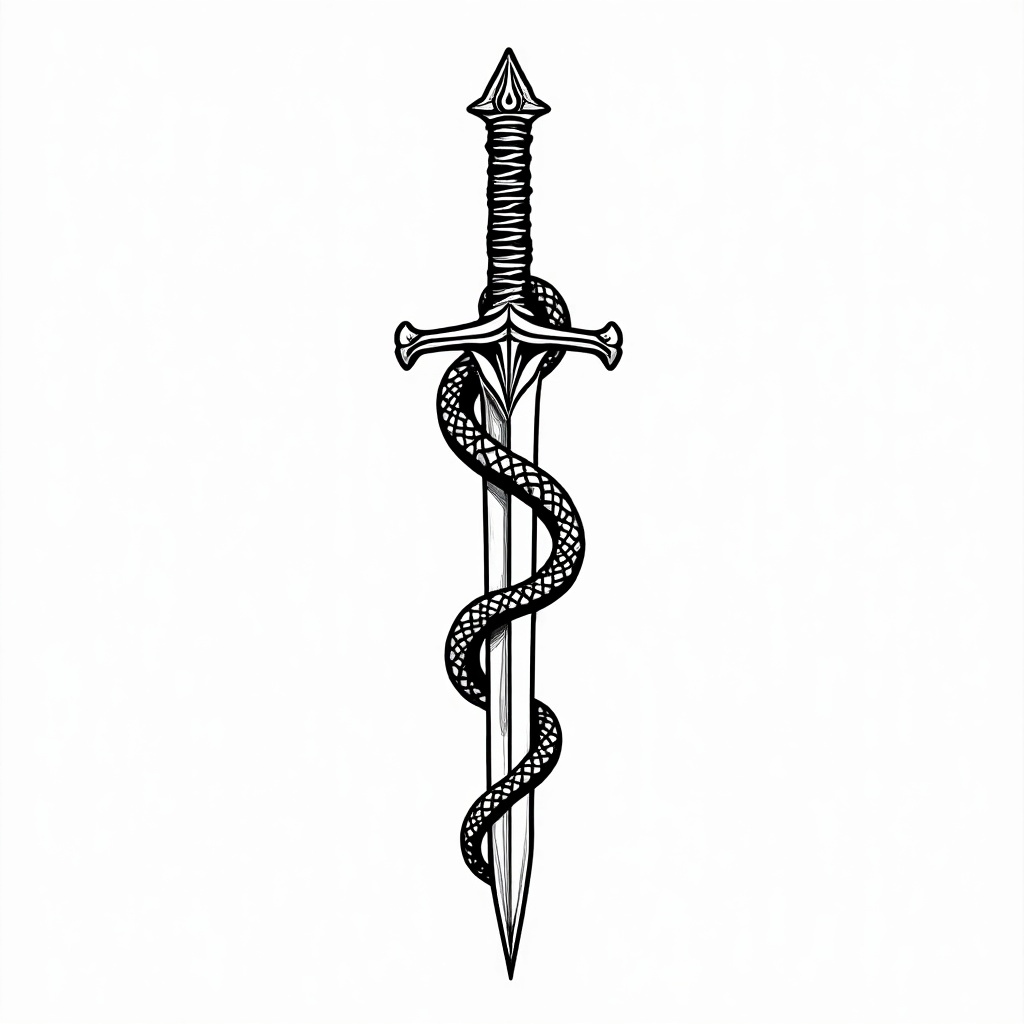
Export a clean stencil
Turn on stencil mode and the design comes back as pure black outlines on white — the line art a tattoo artist actually traces, with no shading or color to clean up.
- High-contrast outline, ready to print or trace
- Great for handing a clear reference to your artist
- Works with every style, from fine line to blackwork
Simple, one-time pricing
Pay once, keep every design. A fraction of a custom-drawn concept from a studio.
Single Design
- 3 design variations
- Any of 12 styles
- Optional stencil export
- High-resolution downloads
Design Pack
- 10 design variations
- Any of 12 styles
- Optional stencil export
- More options to compare and refine
Money-back guarantee. If the designs don't work for you, email us for a full refund.
Questions
Do I need to be able to draw?
No. You describe the tattoo in plain words — the subject, the feeling, a few details — and the AI produces the artwork. The clearer your description, the closer the result.
What is stencil mode?
Stencil mode returns your design as clean black outlines on a white background, with no shading or color. That is the line art a tattoo artist traces onto skin, so it is the most useful format to hand over at a studio.
How many designs do I get?
The Single Design order returns 3 variations; the Design Pack returns 10. You download all of them and keep every image.
How long does it take?
Generation typically finishes within a minute or two of payment. You download everything directly in your browser — no waiting for an email.
Is this a subscription?
No. It is a single one-time payment. There is no recurring charge and nothing to cancel later.
Can I get a tattoo of the design?
Yes. The designs are yours to use. Bring the stencil or the full-color design to a licensed tattoo artist, who will adapt it to your body and placement.
What if I'm not satisfied?
We offer a money-back guarantee. If the results don't work for you, contact support for a full refund.
Guides
Practical, no-signup guides on designing a tattoo from an idea.
How AI tattoo generators work, what they do well, where they fall short, and how to get a design you can actually take to an artist.
Write prompts that produce strong tattoo designs: subject, style, composition and the details that matter most.
What a tattoo stencil is, how to generate clean line art from a design, and how to prepare it for your artist.
Meaningful small wrist designs: symbols, florals, dates and coordinates, plus how to preview any idea on skin first.
The least and most painful spots for a first tattoo, why pain varies, how to prepare, and how to preview your design.